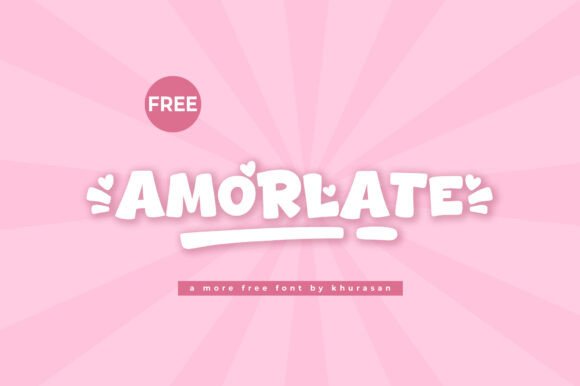
Amorlate: A Cute Display Font That Demands Attention—Without the Hassle
Amorlate is more than just another font in your design toolkit. It’s a modern, charming display typeface designed to catch the eye and elevate everything from logos to magazine covers. Whether you're a seasoned designer or a small business owner creating your first banner, Amorlate offers a unique blend of style and versatility. But like any design tool, it's only as effective as the way you use it.
Why Amorlate Stands Out
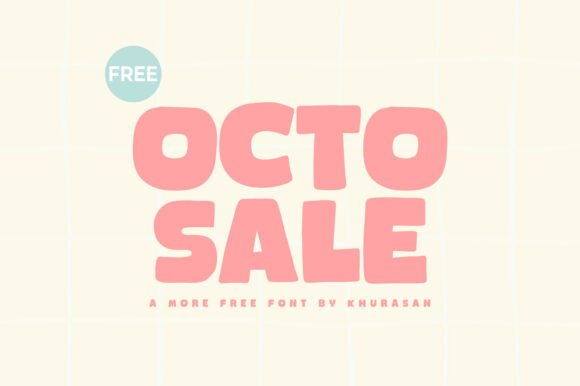
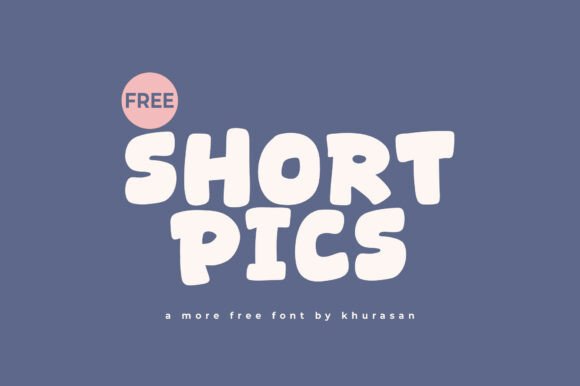
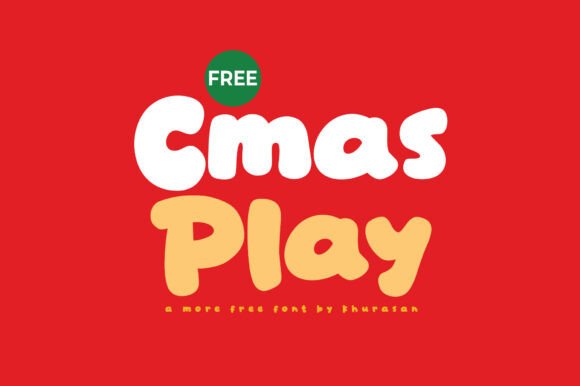
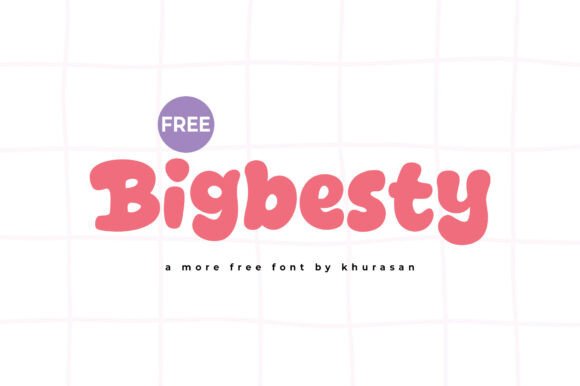
What makes Amorlate special is its balance of playfulness and professionalism. It’s not overly whimsical like some display fonts, nor is it too rigid like standard sans-serif options. This makes it ideal for a wide range of applications—from branding materials to editorial design. The font’s clean lines and soft curves ensure it's both readable and expressive, especially at larger sizes.
Designers often reach for Amorlate when they want to inject personality into their work without sacrificing clarity. It pairs well with simpler fonts for body text, allowing it to shine as a headline or accent element. And because it's designed with modern aesthetics in mind, it fits seamlessly into contemporary layouts across both print and digital media.
Common Mistakes When Choosing and Using Amorlate
Despite its versatility, Amorlate can be misused in ways that undermine your design. Here are some common pitfalls and how to avoid them:
1. Using Amorlate for Long Blocks of Text
One of the most frequent mistakes is using Amorlate for body copy or extended paragraphs. While its charm is undeniable, it's designed as a display font—best suited for headlines, titles, and short text bursts.
Impact: Overuse in body text can lead to reduced readability and visual fatigue. Viewers may lose interest if the text becomes difficult to scan or feels overwhelming.
Better Approach: Pair Amorlate with a clean, legible sans-serif or serif font for body text. This contrast not only enhances readability but also creates a more dynamic visual hierarchy.
2. Ignoring Licensing Details
Another overlooked detail is the licensing agreement that comes with Amorlate. Some designers download or purchase the font without fully understanding where and how they’re allowed to use it.
Impact: Misusing a font can lead to legal issues, especially in commercial projects or client work. It can also affect your credibility as a professional.
Better Approach: Always read the license terms before downloading or purchasing. If you're unsure, reach out to the provider or choose a version that clearly outlines commercial use permissions.
3. Assuming It Works with Every Design Style
Amorlate’s cute and modern aesthetic is a big part of its appeal—but that also means it may not fit every design context. Trying to force it into a more formal or industrial project can create visual dissonance.
Impact: Mismatched typography can confuse your audience and dilute your message. It may also make your design look amateurish if the font doesn’t align with the overall tone.
Better Approach: Consider the tone and purpose of your project before choosing Amorlate. If your design leans more traditional or corporate, opt for a different font or use Amorlate sparingly for accents or secondary text.
4. Not Checking for Web Compatibility
Many designers assume that Amorlate will work seamlessly on the web, especially if they’re using it in a digital design tool. But when it comes to live websites, compatibility depends on how the font is implemented.
Impact: Poor web integration can lead to slow load times or fallback fonts that don’t match your intended design, resulting in a disjointed user experience.
Better Approach: If you're using Amorlate on a website, make sure it's properly embedded via a service like Google Fonts or Adobe Fonts. Test it across devices and browsers to ensure consistent rendering.
What to Check Before Using Amorlate
Before you commit to using Amorlate in your next project, consider the following:
- Intended Use: Is it for print, web, or both? Make sure the font version you choose supports your medium.
- Character Set: Does it include special characters, accents, or alternate glyphs you might need?
- Font Weight Options: Amorlate may come in multiple weights. Having options like bold or light can give you more flexibility in your design.
- Compatibility: Will it work with your design software or website builder? Always test it in your preferred platform before finalizing your layout.
Getting the Most Out of Amorlate
When used thoughtfully, Amorlate can elevate your design and help your message stand out. Here are a few tips to ensure you're using it effectively:
- Use It for Emphasis: Let Amorlate do what it does best—draw attention. Use it for headlines, callouts, or key phrases that need to pop.
- Pair It Smartly: Combine Amorlate with a more neutral font to create balance. Sans-serif fonts like Montserrat or Open Sans work well as companions.
- Test at Different Sizes: While Amorlate shines at larger sizes, check how it looks at smaller points to ensure it remains legible in all contexts.
- Stick to a Color Palette: Since the font has a strong visual presence, keep your color choices simple to avoid overwhelming your audience.
Final Thoughts
Amorlate is a powerful design tool that, when used correctly, can make your projects more engaging and visually appealing. Its modern charm and adaptability make it a favorite among creatives across industries. But like any font, it requires thoughtful application to truly shine.
By avoiding common mistakes—like using it for long text, overlooking licensing, or forcing it into the wrong design context—you’ll ensure your work looks polished and professional. Always take the time to test, read the fine print, and pair it with complementary elements. That way, you’ll not only make the most of Amorlate but also deliver designs that resonate with your audience.